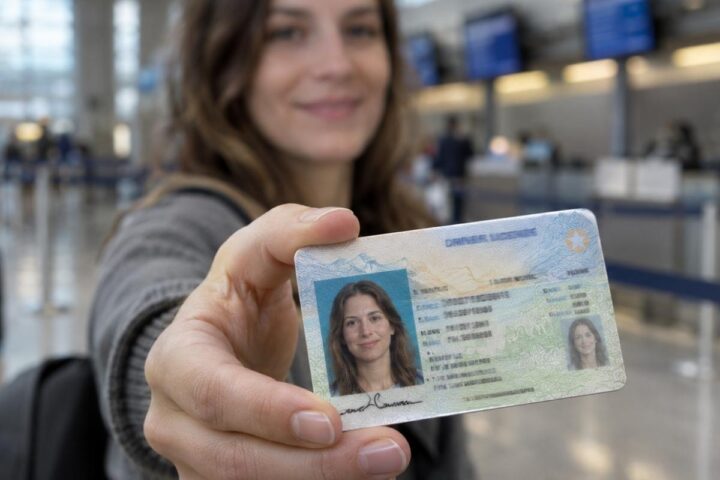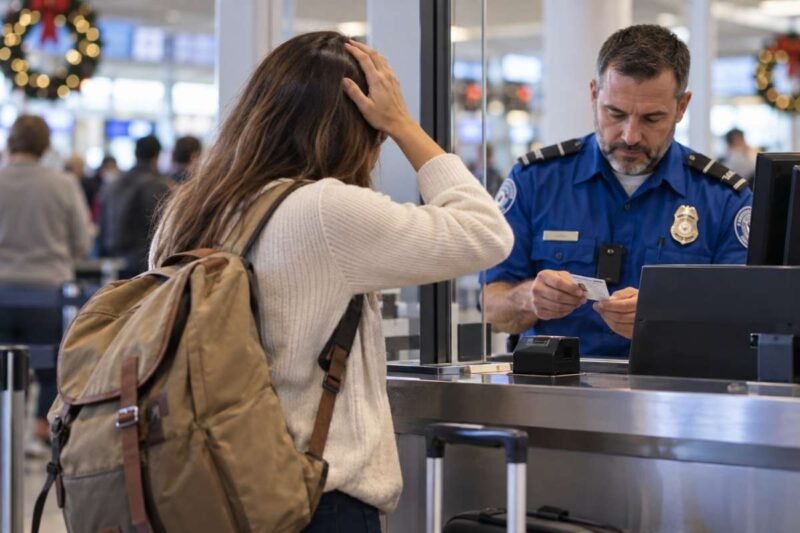
Your suitcase is packed. Your boarding pass is on your phone. You’ve even made it to the airport early, which during the holidays qualifies as a minor personal achievement. Then you reach for your driver’s license.
Your wallet is sitting on the kitchen counter. A forgotten wallet used to mean an awkward conversation at airport security.
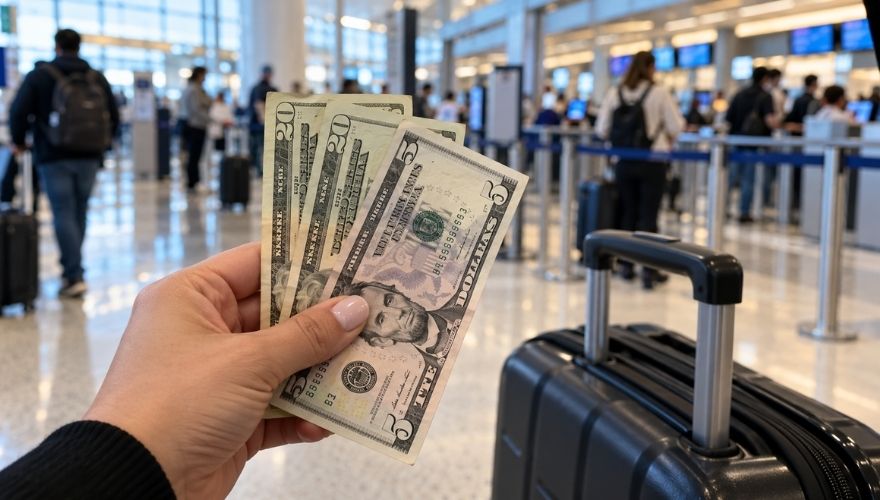
Since February 1, 2026, it can also mean paying $45 to prove you’re the person whose name is printed on your boarding pass.
TSA calls the new process ConfirmID. It applies to adult travelers who arrive without acceptable identification, including people who own perfectly valid IDs but forgot to bring them.
Curiously, paying the fee doesn’t guarantee you’ll catch your flight.
The $45 Fee Isn’t a Fine. It’s a Different Way Through Security.
Forgetting your driver’s license hasn’t become a federal offense. Nobody is writing citations for leaving a wallet on the kitchen counter.
Instead, TSA has created a paid alternative for passengers who cannot satisfy its normal identification requirements.
ConfirmID allows the agency to attempt additional identity checks, with the administrative expense charged to the traveler rather than absorbed by the government.
The video below explains what TSA will do for passengers who arrive without REAL ID and what travelers can expect at the security checkpoint.
| ConfirmID Rule | What It Means for Travelers |
| $45 per adult | Each traveler aged 18 or older without acceptable ID pays separately. |
| 10-day validity | One payment covers additional verification attempts within 10 days, including a return flight. |
| Online payment | Travelers can pay in advance through the official Pay.gov portal. |
| No guaranteed clearance | TSA can deny checkpoint access if identity verification fails, even after payment. |
That final condition is doing considerable work.
A receipt proves you’ve paid for identity verification. It doesn’t prove your identity. Someone who pays $45 and fails the additional checks may still miss their flight. Payments are nonrefundable, even when verification is unsuccessful.
What sounds like a penalty for forgetting identification is actually a charge for an administrative service with an uncertain outcome.
Airport security has found a way to make an inconvenience more expensive without necessarily making it disappear.
You Can Have a Perfectly Valid Driver’s License and Still Have the Wrong ID
Long before anyone started paying $45 for ConfirmID, Congress was trying to standardize the identification Americans use at airports.
REAL ID legislation passed in 2005, following recommendations associated with the September 11 attacks. Federal officials wanted stronger standards for state-issued identification, particularly documents used to access airports and certain federal facilities. Getting those standards fully enforced took another twenty years.
After numerous postponements, REAL ID enforcement at airport security checkpoints began on May 7, 2025.
That means a driver’s license can be valid for driving and still be unacceptable for boarding a domestic flight.
An ordinary state-issued license without REAL ID compliance generally doesn’t satisfy TSA’s identification requirements.
A star near the top of most compliant licenses helps identify them, while qualifying enhanced driver’s licenses carry different markings.
Fortunately, TSA accepts other credentials, including:
- U.S. passports
- Passport cards
- Military IDs
- Global Entry cards
So a forgotten wallet isn’t necessarily a problem if a passport is tucked inside your carry-on.
But consider the passenger who owns a REAL ID, follows every requirement, and simply leaves it at home.
Losing Your Wallet Doesn’t Necessarily Mean Losing Your Flight
In September 2026, a Reddit user described a problem involving his brother, who had lost his wallet during a visit.
His brother had gone to see a movie and somehow returned without his identification. Unfortunately, he also had a domestic flight home to catch.
Their mother could send photographs of his insurance card, Social Security card, mail, and an expired passport.
What she couldn’t send nearly as easily was the missing wallet.
A commenter suggested TSA ConfirmID, explaining that the brother could pay $45 and attempt identity verification at the airport.
A day later, the original poster returned with good news. His brother had made it home.
He had used a ConfirmID payment receipt alongside photographs of documents his mother sent him. In a later reply, the poster estimated that the additional process took about an hour, much of it spent waiting for a TSA officer.
His experience is useful precisely because it wasn’t a neat, predictable procedure. Photographs of documents aren’t automatically accepted as official identification.
TSA officers can consider additional information during verification, but another traveler carrying identical photographs might not get the same result.
The $45 Problem May Already Have a Solution in Your Phone
Here’s where the obvious answer gets more interesting.
Most travelers think of a digital wallet as somewhere to store payment cards, boarding passes, and loyalty programs that somehow require an app of their own. But certain digital wallets can now carry verified identification.
Google Wallet offers an ID Pass feature that uses information stored in a valid U.S. passport to create a digital credential.
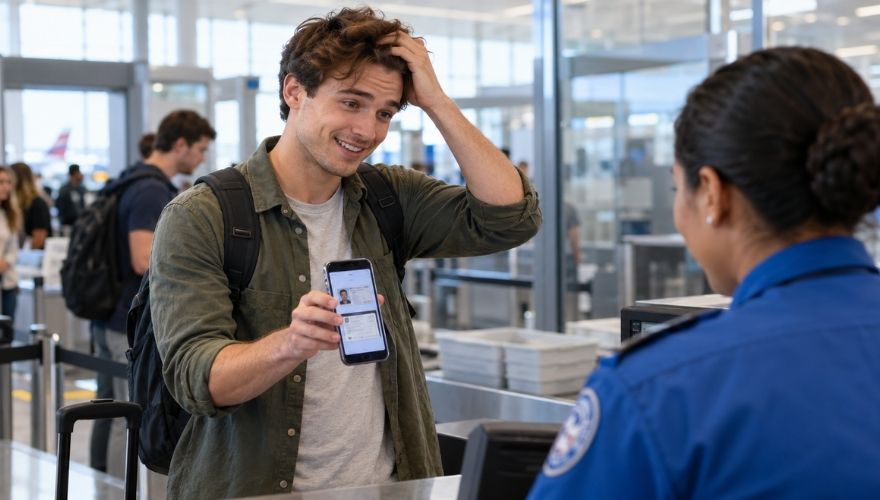
At participating TSA checkpoints, eligible travelers can present that credential for identity verification on domestic flights. Unlike an ordinary photograph, an ID Pass is created using several identity checks. Google verifies the passport’s information, reads its embedded security chip, and compares the holder’s face with the passport record.
Once approved, the credential can be stored securely on a compatible Android phone. It’s an interesting distinction. A photograph of your passport may provide useful supporting information, but it isn’t the same thing as a verified digital ID.
Supported digital driver’s licenses provide another possibility. Apple also offers digital identification features for eligible iPhone users, including a passport-based Digital ID option.
Of course, government identification has a talent for making convenient technology slightly less convenient.
A non-REAL ID-compliant driver’s license doesn’t become acceptable simply because somebody adds it to Google Wallet. More importantly, not every airport checkpoint accepts every digital credential.
Google advises users to keep physical identification available, and TSA can request it even at a checkpoint that supports digital IDs.
There’s a Catch – You Have to Set Up the Digital ID Before You Need It
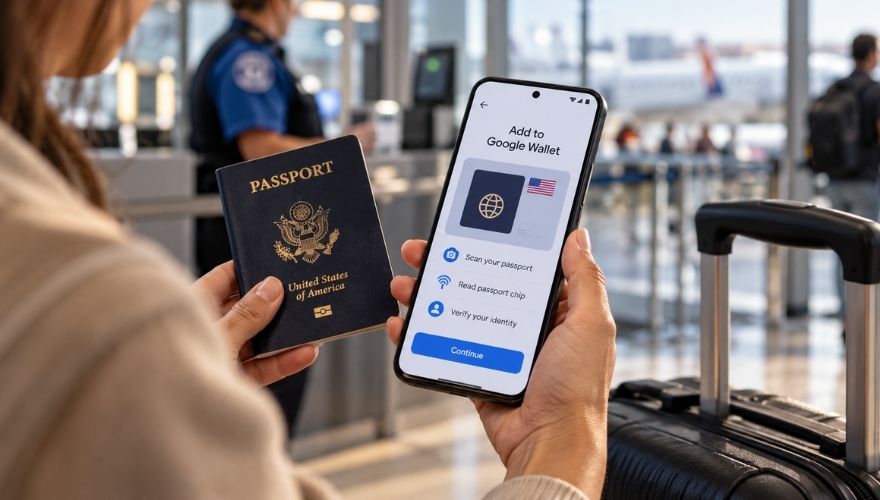
Naturally, there’s a complication. Creating a Google Wallet ID Pass requires access to the physical passport you may already have left at home.
You can’t simply type in a passport number while standing in the airport security line and expect a verified credential to appear.
For eligible Android users, setup works as follows:
| Step | What to Do | What You’ll Need |
| 1. Open Google Wallet | Select Add to Google Wallet. | Compatible Android phone |
| 2. Choose ID Pass | Select ID → ID Pass, then choose the United States. | Valid U.S. passport |
| 3. Scan Your Passport | Scan the passport’s information page. | Phone camera and physical passport |
| 4. Verify the Passport Chip | Use NFC to read the embedded security chip. | NFC-enabled phone |
| 5. Complete Verification | Record a facial verification video, choose a review method, and submit for approval. | Camera access and facial verification |
Approval may arrive quickly through automated verification. A manual review can take longer.
If you use an Apple device, watch the video below to see how to set up a digital ID and create an Apple Digital ID using your passport.
Once the credential is active, you can check airport compatibility and confirm that your phone is ready to present it.
The Simplest Way to Avoid the Fee Is Also the Least Interesting
After all the discussion about digital passports, electronic verification, and government payment systems, the easiest solution is disappointingly ordinary. Check your wallet before leaving home.
A valid physical ID still offers the most straightforward path through airport security. Carrying an acceptable alternative, such as a passport or passport card, can provide additional protection against an absent driver’s license.
Digital credentials are useful, particularly for people who travel regularly, but their usefulness depends on advance preparation and airport support.